Linux music player
Ethereal Waves music player for Linux
Ethereal Waves is a local music player built with libcosmic for the interface and GStreamer for audio playback.
It is designed for browsing and playing personal music libraries and managing playlists. Ethereal Waves currently supports MP3, M4A, Ogg, Opus, FLAC, and WAV audio files.
What makes Ethereal Waves different
- Focused on local audio playback instead of streaming services
- Built for Linux and the COSMIC desktop ecosystem
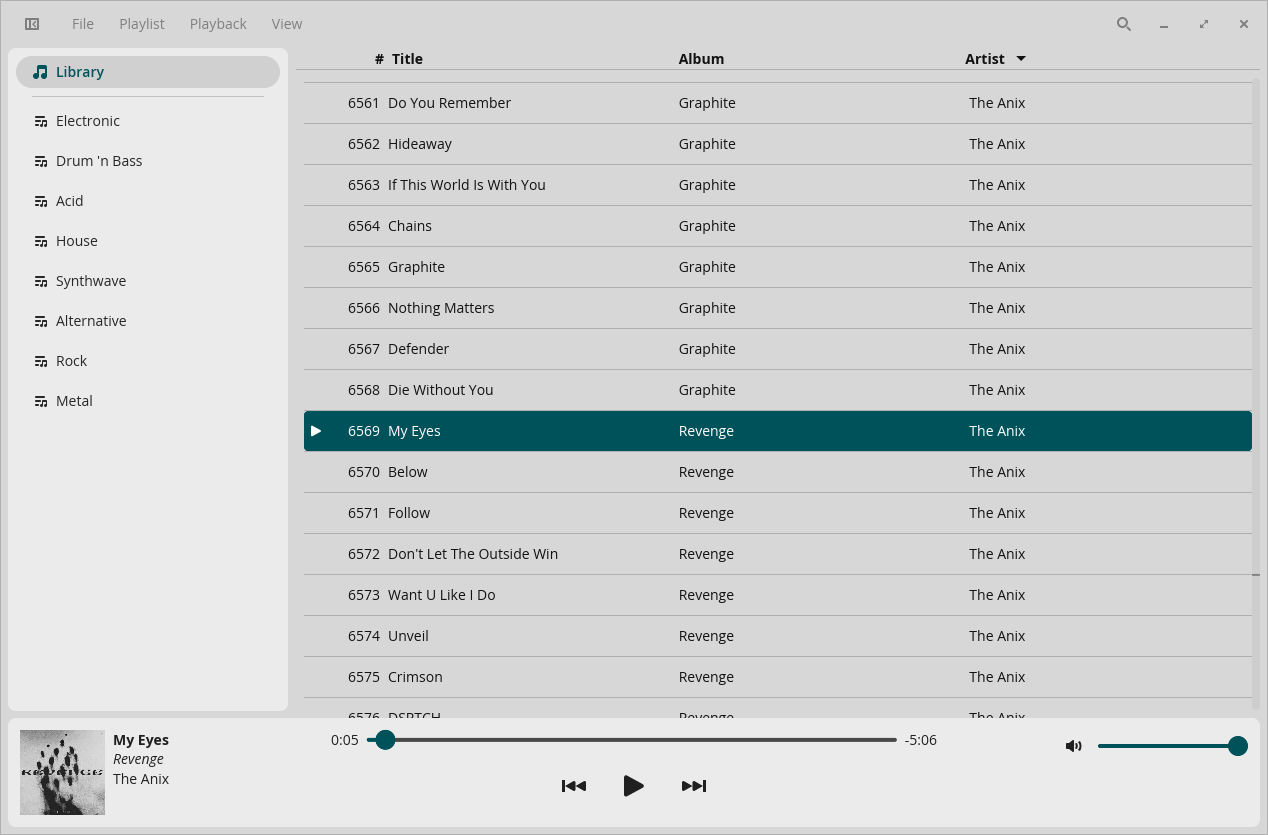
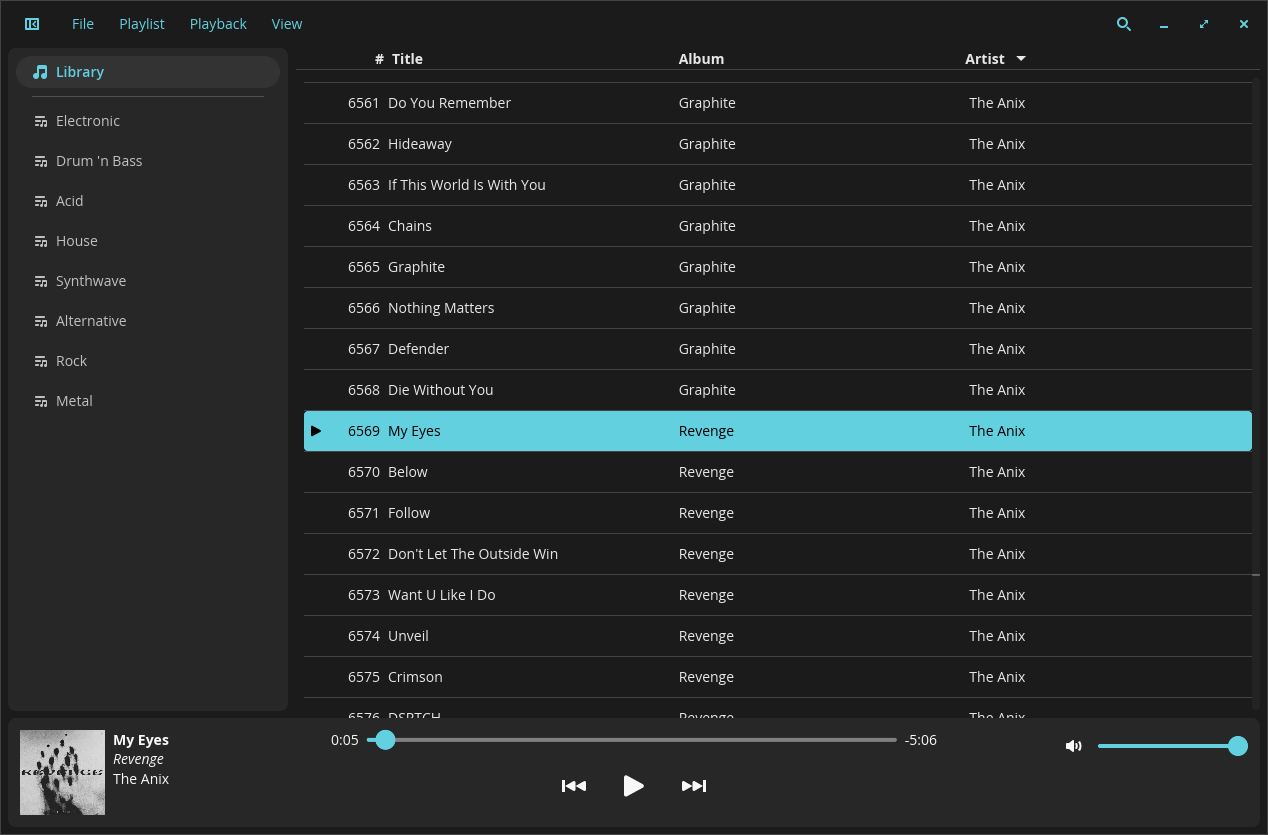
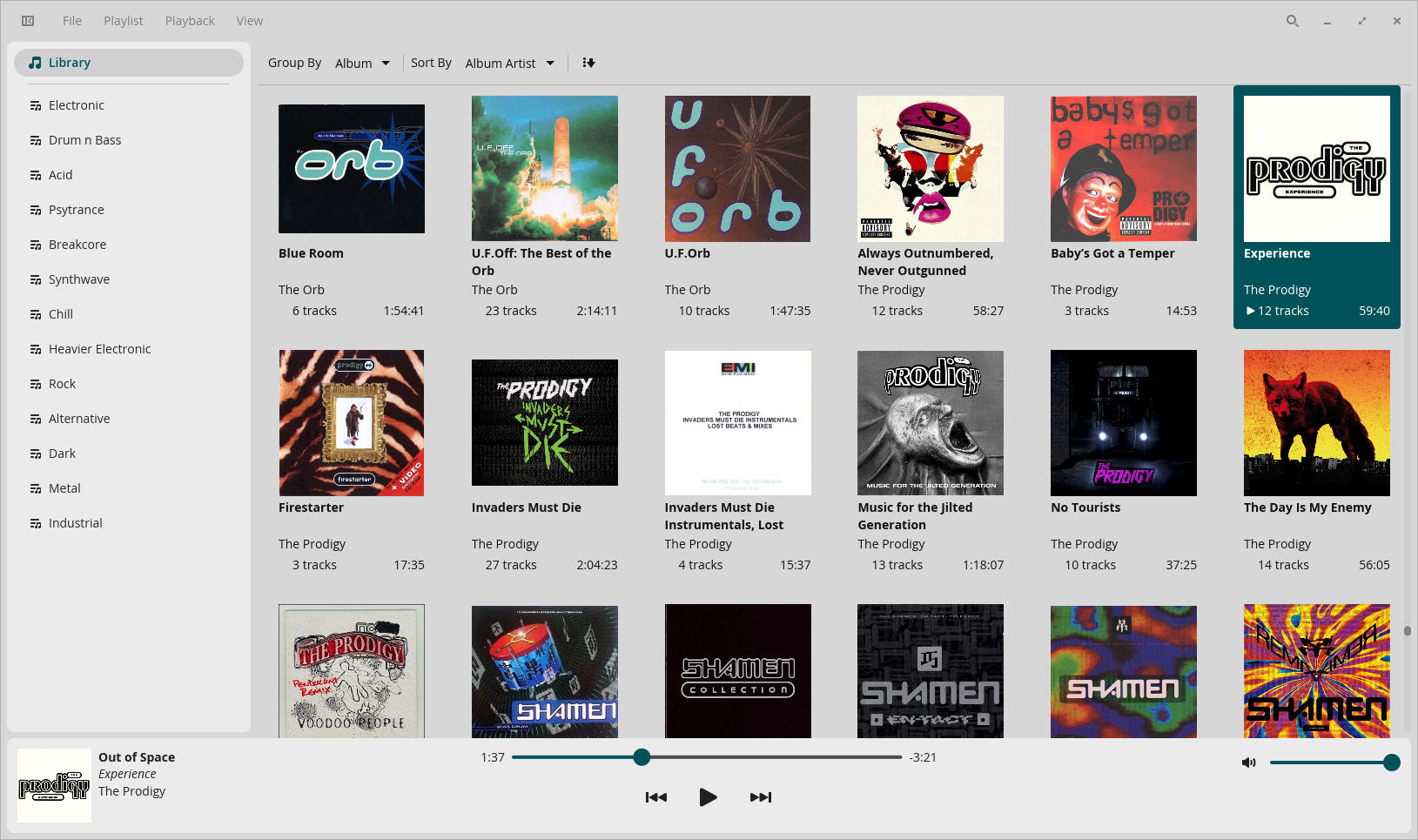
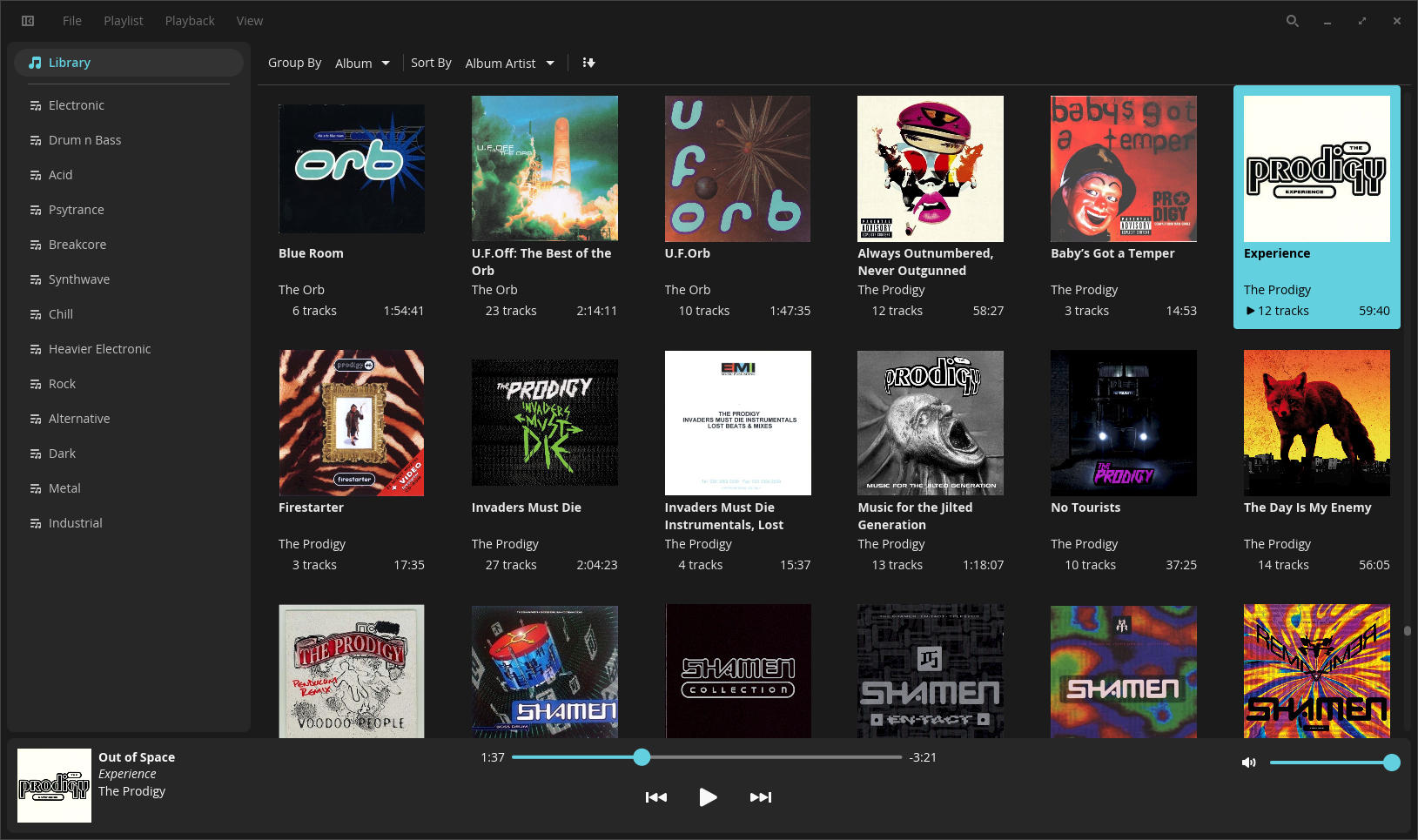
- Offers list and grid views for browsing music libraries
- Includes playlist tools, Wayland drag and drop support, and keyboard shortcuts
- Actively evolving with changelog entries and roadmap items
Supported audio formats
- MP3
- M4A
- Ogg
- Opus
- FLAC
- WAV
Known issues
Desktop session compatibility
Ethereal Waves is recommended for Wayland-based desktops. Drag and drop does not currently work when running the app in an X11 session.
Use a Wayland session, such as COSMIC Desktop, KDE Plasma (Wayland Session), or GNOME Wayland for the best drag-and-drop experience. On X11, use menus instead of drag and drop until X11 support is improved. This is a limitation of libcosmic and not an oversight of development.
Screenshots
Ethereal Waves interface preview
Tap or click any image to view it larger.
Install and build
Getting started with Ethereal Waves
The project currently documents a just-based
build workflow for Linux development and installation.
Run development mode
just run-devInstall build tooling
sudo apt install justBuild and install
just build-release
sudo just install
Roadmap
Current development status
- Done Gapless playback
- Done Crossfading between tracks
- Done Grid view
- Done More column options in list view
-
Done
Import and export
.m3uplaylists - In progress MPRIS support improvements
- Done Condensed responsive layout
- Done Drag and drop support on Wayland
- Done Playlist duplicate management
- Done Partial library updates for new tracks
Keyboard shortcuts
Common Ethereal Waves keybindings
- Ctrl + UPartial library update
- Ctrl + Shift + UFull library update
- Ctrl + QQuit
- Ctrl + NNew playlist
- F2Rename playlist
- Ctrl + UpMove playlist up
- Ctrl + DownMove playlist down
- Ctrl + =Zoom in
- Ctrl + -Zoom out
- PageUpScroll up
- PageDownScroll down
- Ctrl + ,Settings
- Ctrl + ASelect all
- Ctrl + clickSelect
- Shift + clickSelect range
- F1Track info
- mToggle mute
- -Volume down
- =Volume up and unmute